top of page

The Snitcher - Unreal
Combat Design Study Project
Witcher 3 focuses on close range combat with all the signs complementing each other to create intense high risk battles. My goal for this project is to recreate the combat in Witcher 3 and also give the player some options for comparatively long range attacks and strategies.
The signs (magic attacks) need to be designed and balanced in such a way that there are no "First Order Optimal Strategies". The player shouldn't be able to effortlessly wipe out enemies from a safe distance. To keep things simple, only the base, unupgraded versions of all signs are considered.
Click Fullscreen to view the player blueprint
Igni
In Witcher, Igni is a close-range fire blast that can hit multiple enemies depending on their relative location to the player and the player's orientation. It is the sign that deals the most damage to the player.
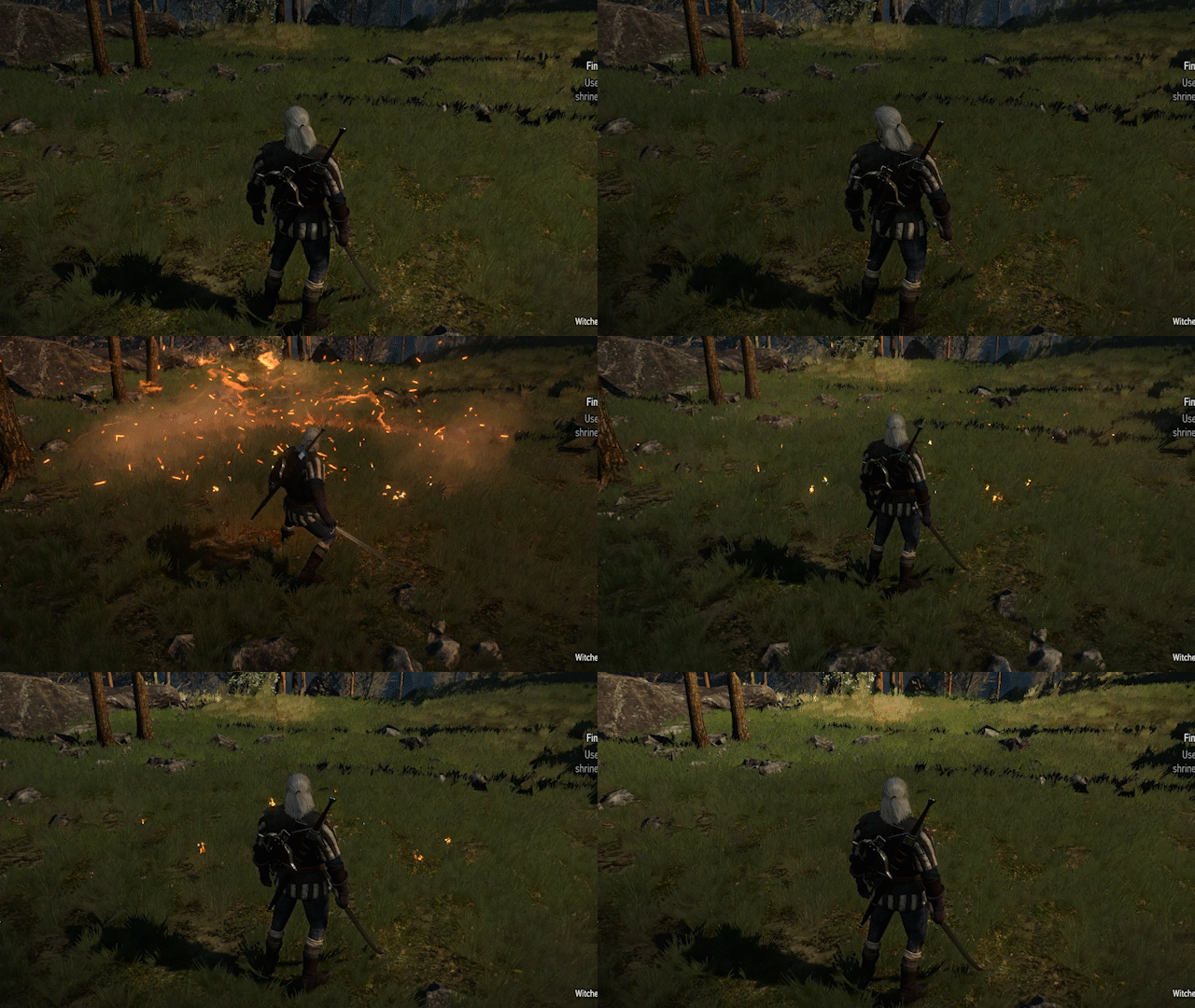
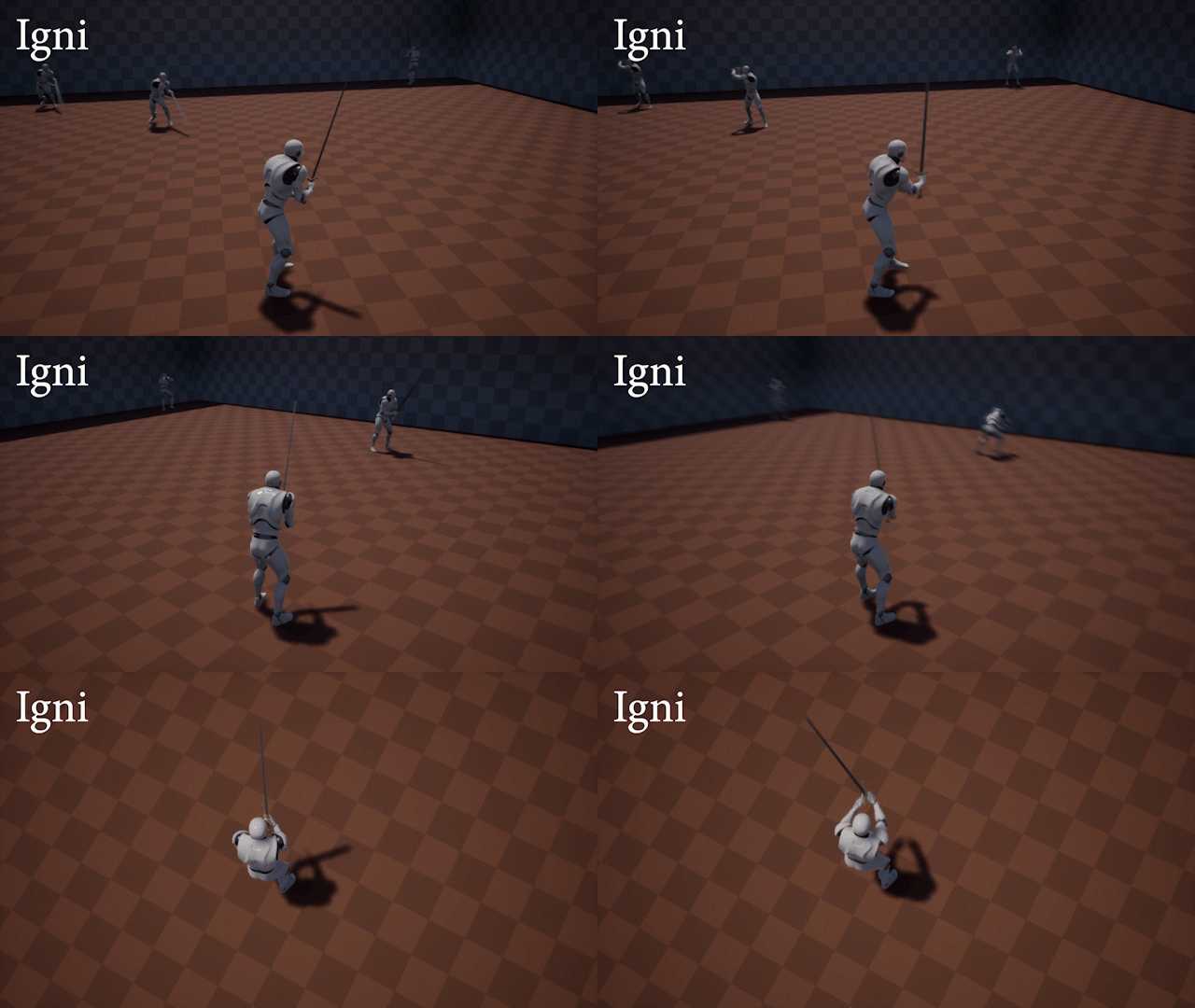
I'm keeping Igni the same as in Witcher, and adding an alternate version, Igni Bomb.
Igni Bomb
-
Usable only when an enemy is locked (can control the range with max lock distance)
-
Homing attack, can't miss unless it collides with something else first
-
Less damage than Igni
-
3 seconds after hitting the enemy, damage every nearby enemy in a certain radius with a blast
-
More time is needed to cast than Igni
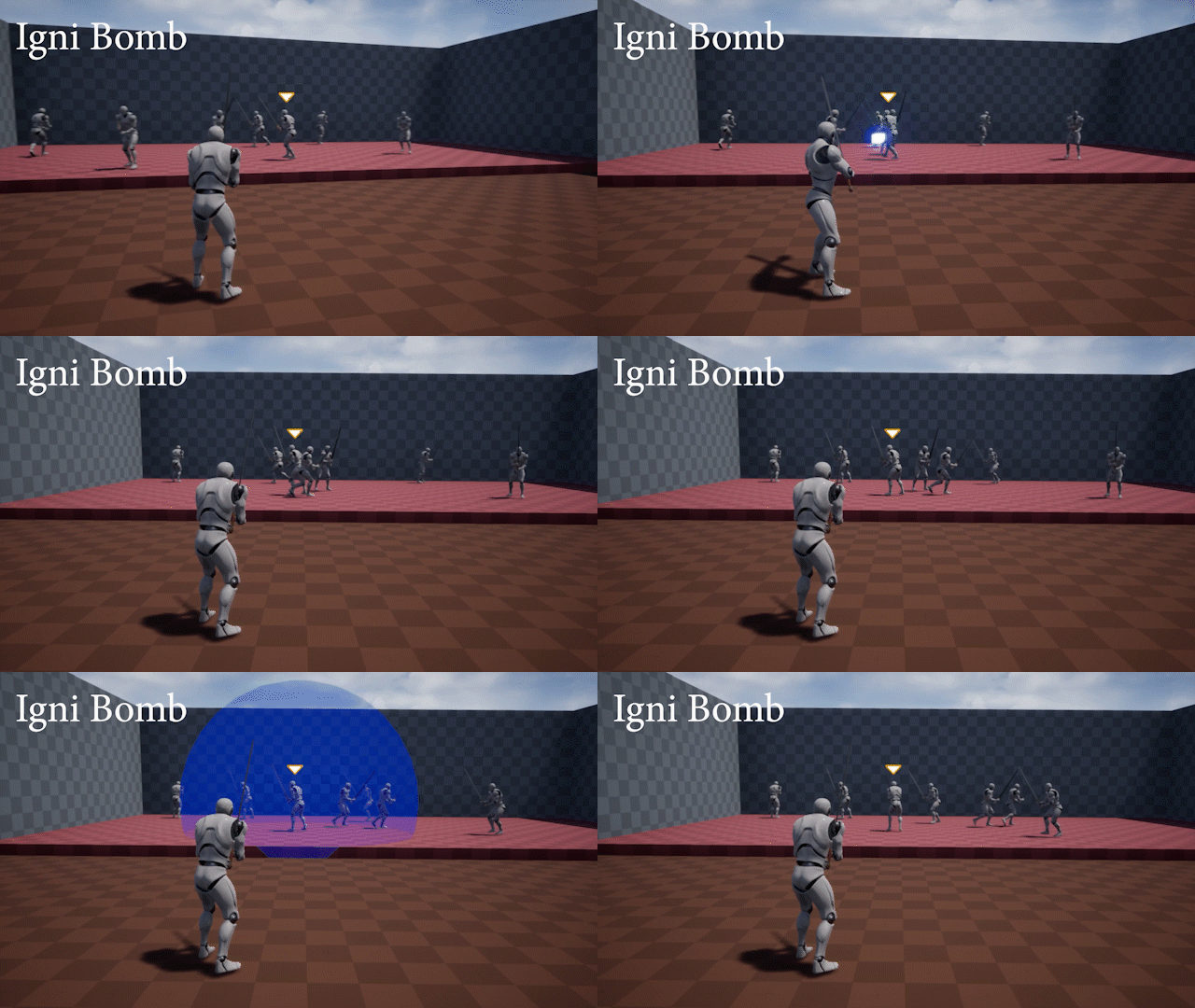
In The Witcher 3, player needs to effectively control the relative position of the enemies to use signs like Igni, Aard and Yrden optimally. Similarly, for Igni Bomb to be effective, the player will need to maximize the number of enemies near the enemy hit with Igni Bomb at the time of the blast.
The player needs to be extra careful while casting Igni Bomb when enemies are close as it has greater cast time than Igni.
Yrden
In Witcher, Yrden is a circular spell that you cast on the ground directly underneath the player. The sign remains in that place for a specific number of seconds, and all movement (and attacks) of enemies is slowed down if they are standing inside the circle.
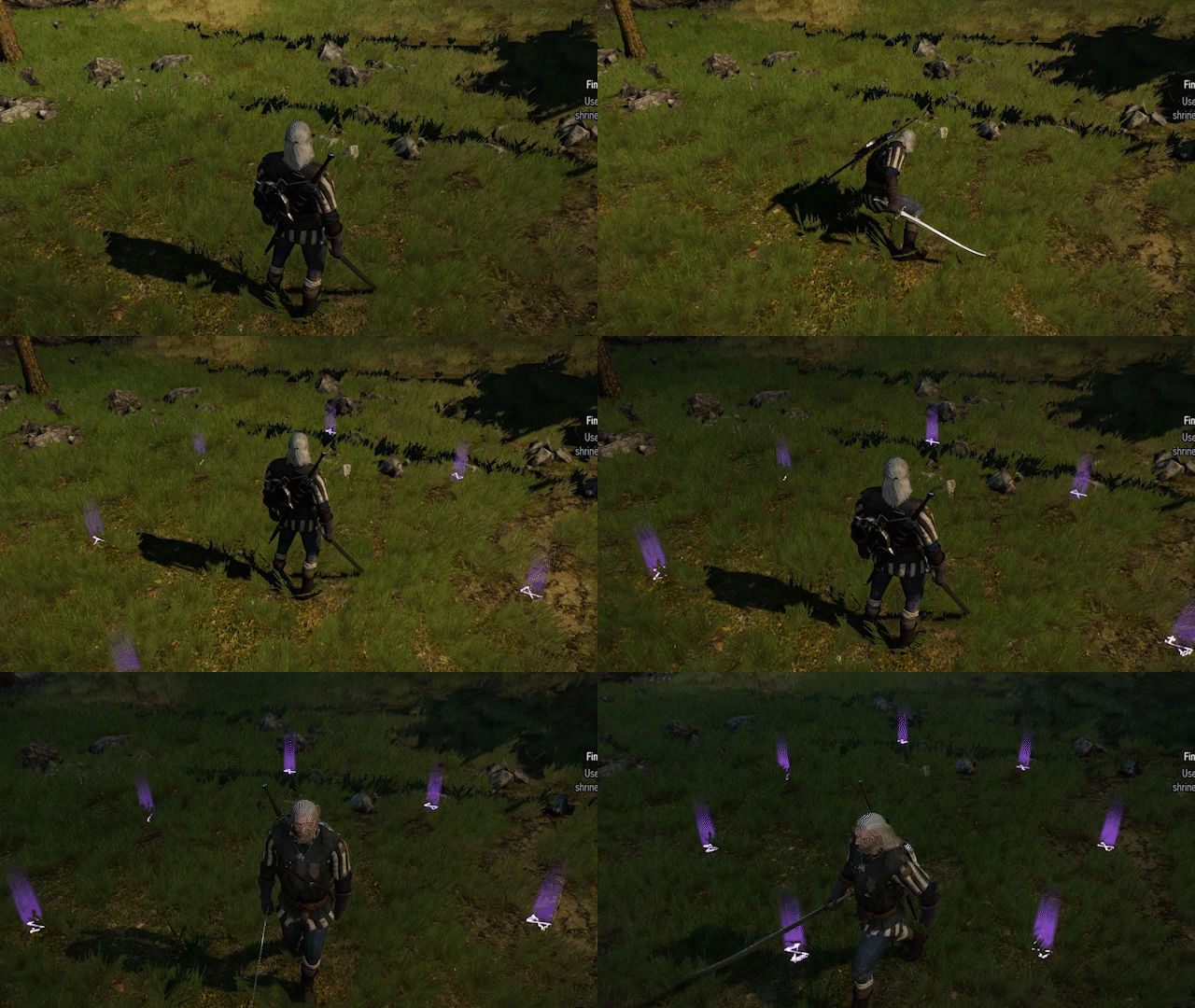
In the Snitcher, the player can use Yrden just like in Witcher with an additional option to move the location where it spawns.
-
Directional input while holding the cast button will move the area where the sign is to be spawned
-
If moved, the sign will last for a shorter period of time than base Yrden
-
If moved, the sign will block all projectiles
-
The player is immobilized and vulnerable while the sign is being moved
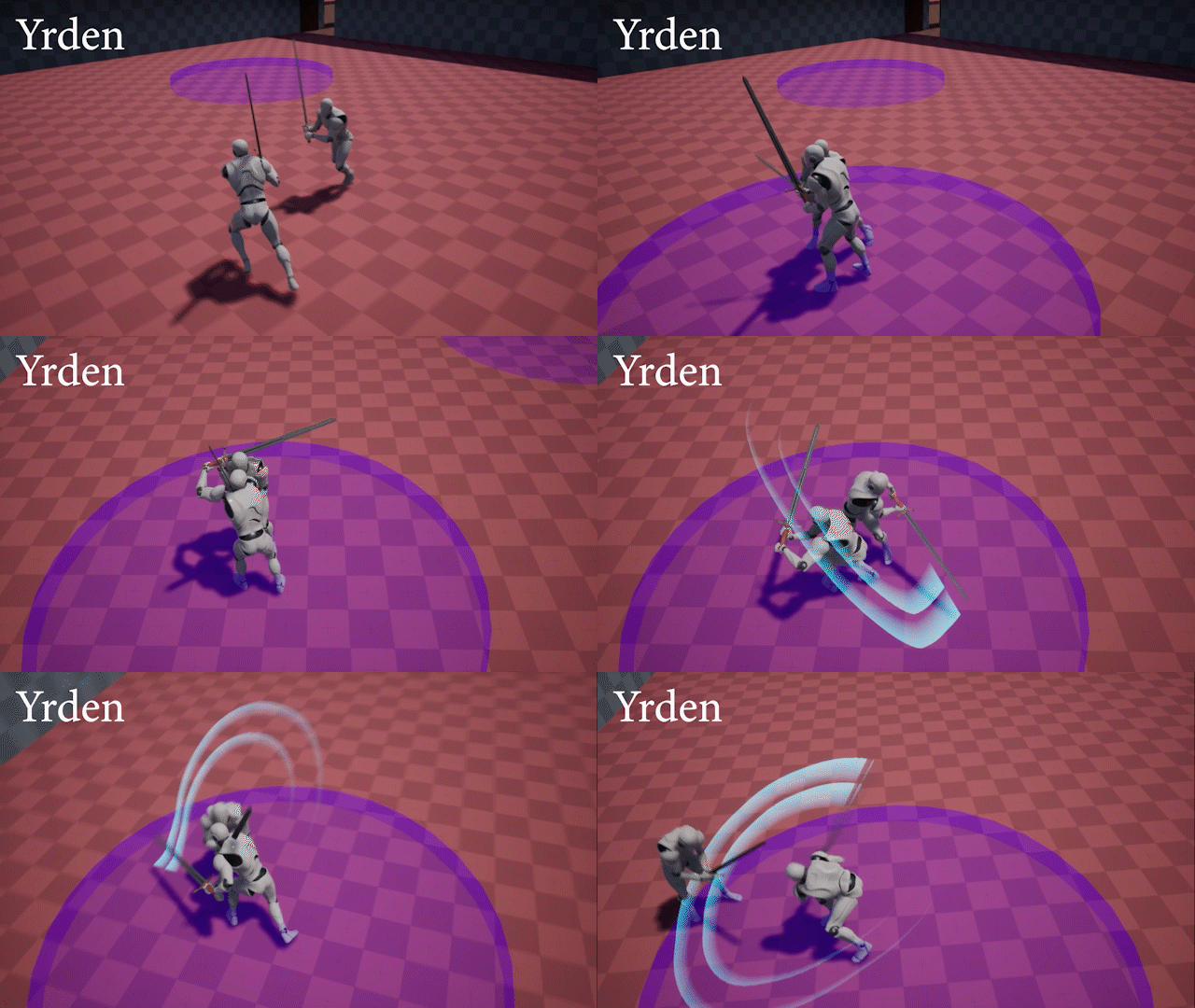
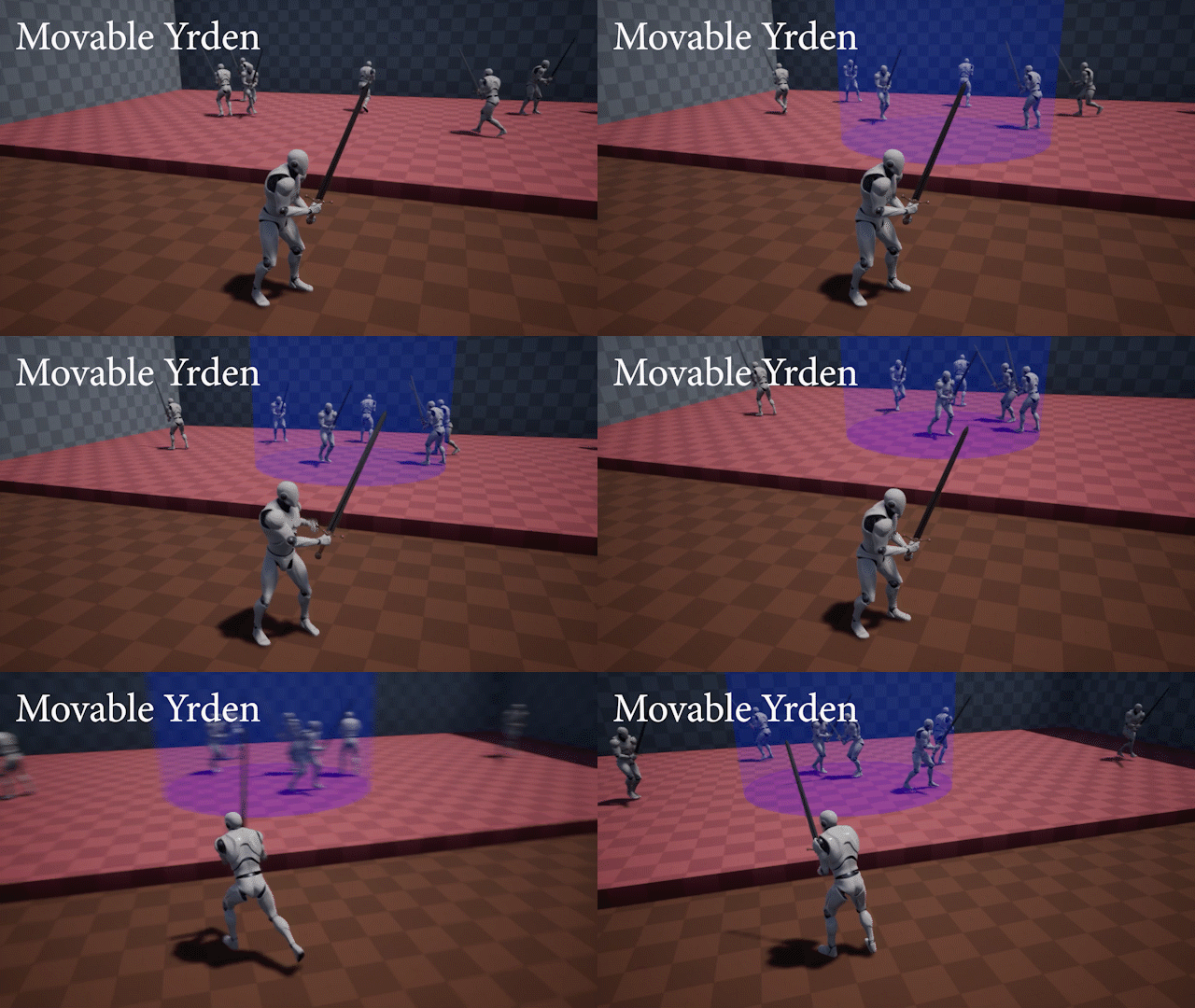
By moving the Yrden sign, the player can possibly slow down incoming far-away enemies and/or block projectile attacks so that enemies that are close can be defeated swiftly. Just like base Yrden, controlling the relative position of enemies and the sign is very important for using it effectively.
Quen
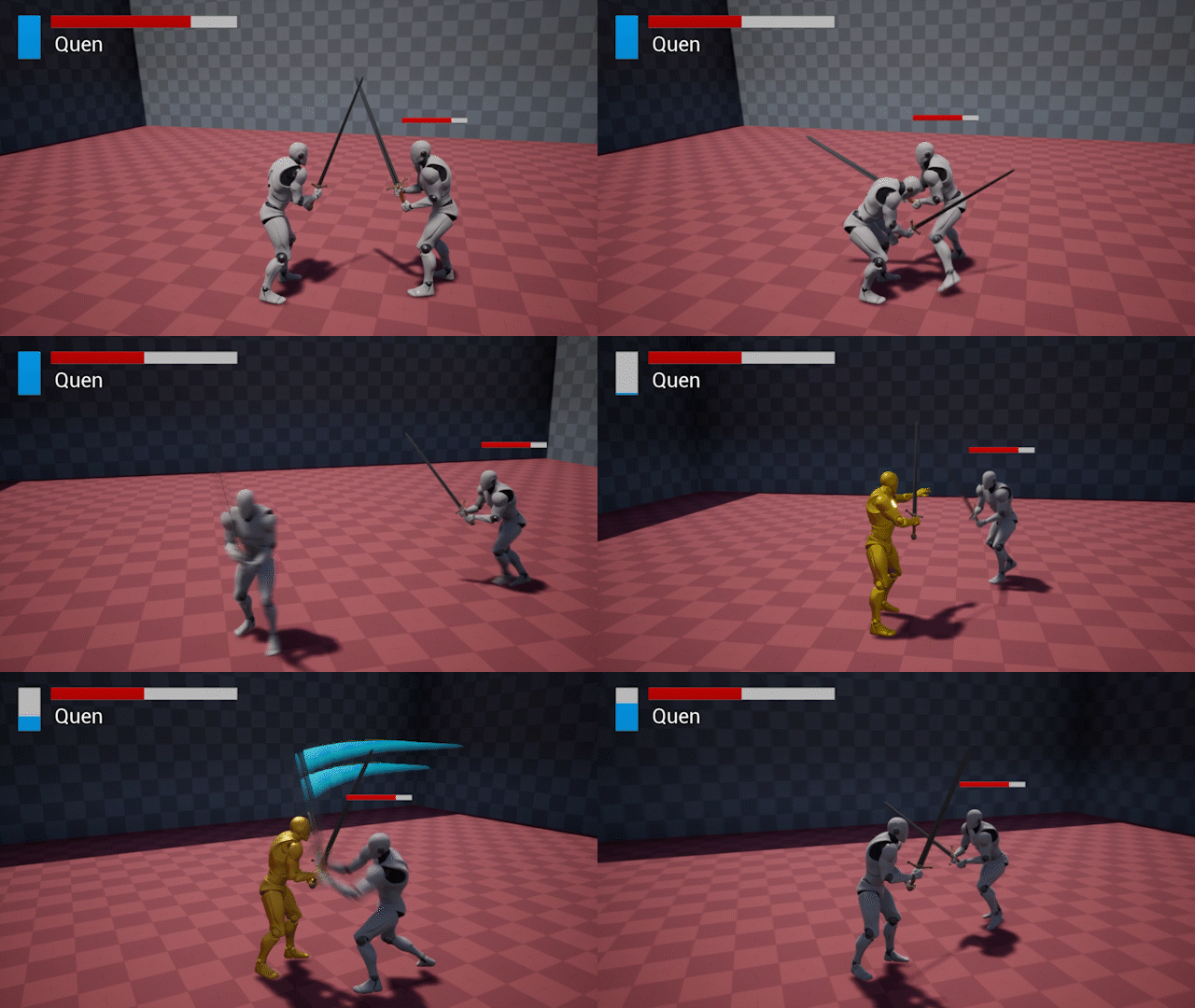
Quen is a sign that gives the player a defensive buff. For the duration when Quen is active, the player can get hit once without taking any damage or flinching.
Axii
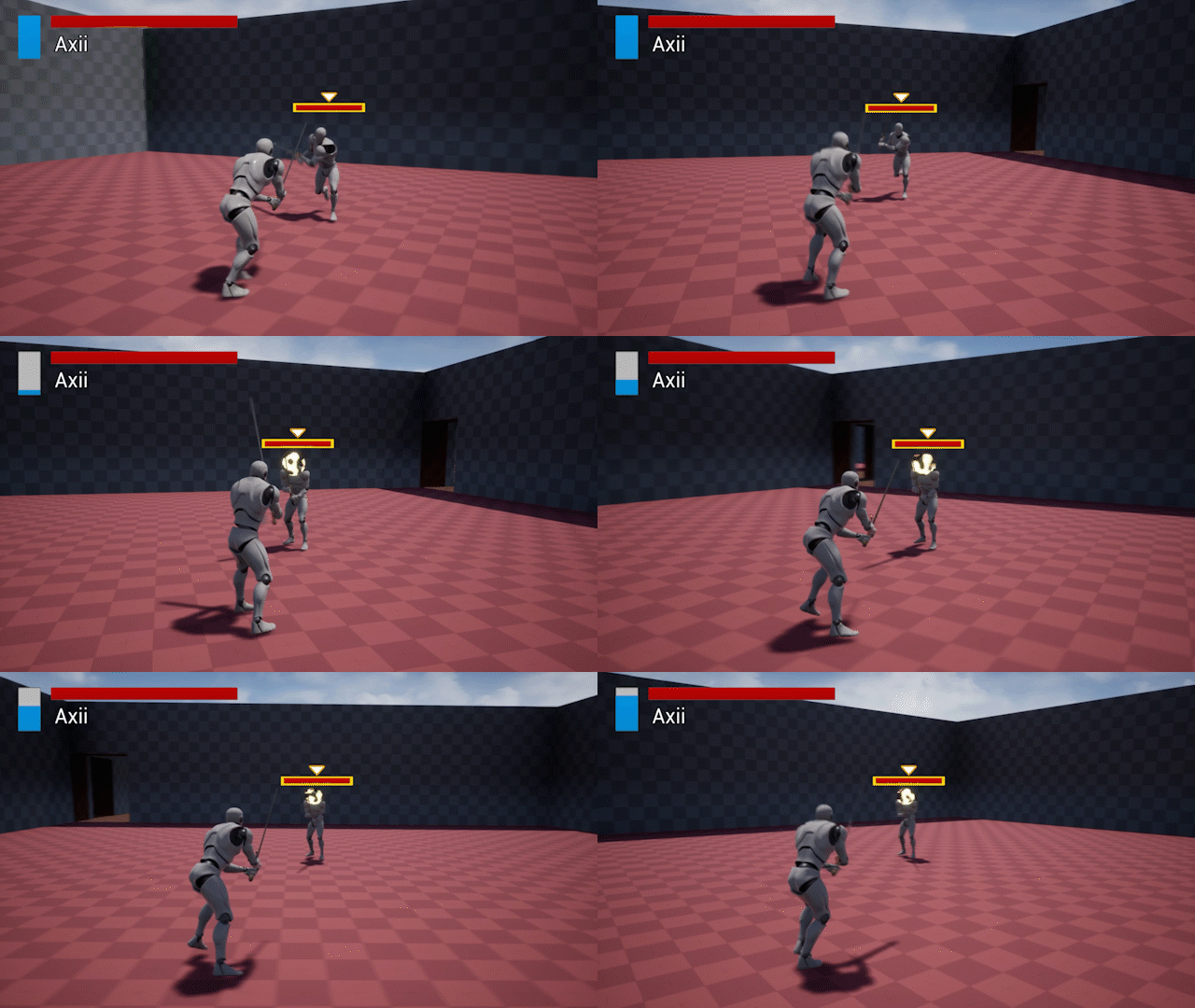
Axii is a very useful sign for crowd control. Upon using Axii on an enemy, the enemy is immobilized and can't move or attack the player for some time. The sign is broken upon attacking the enemy.
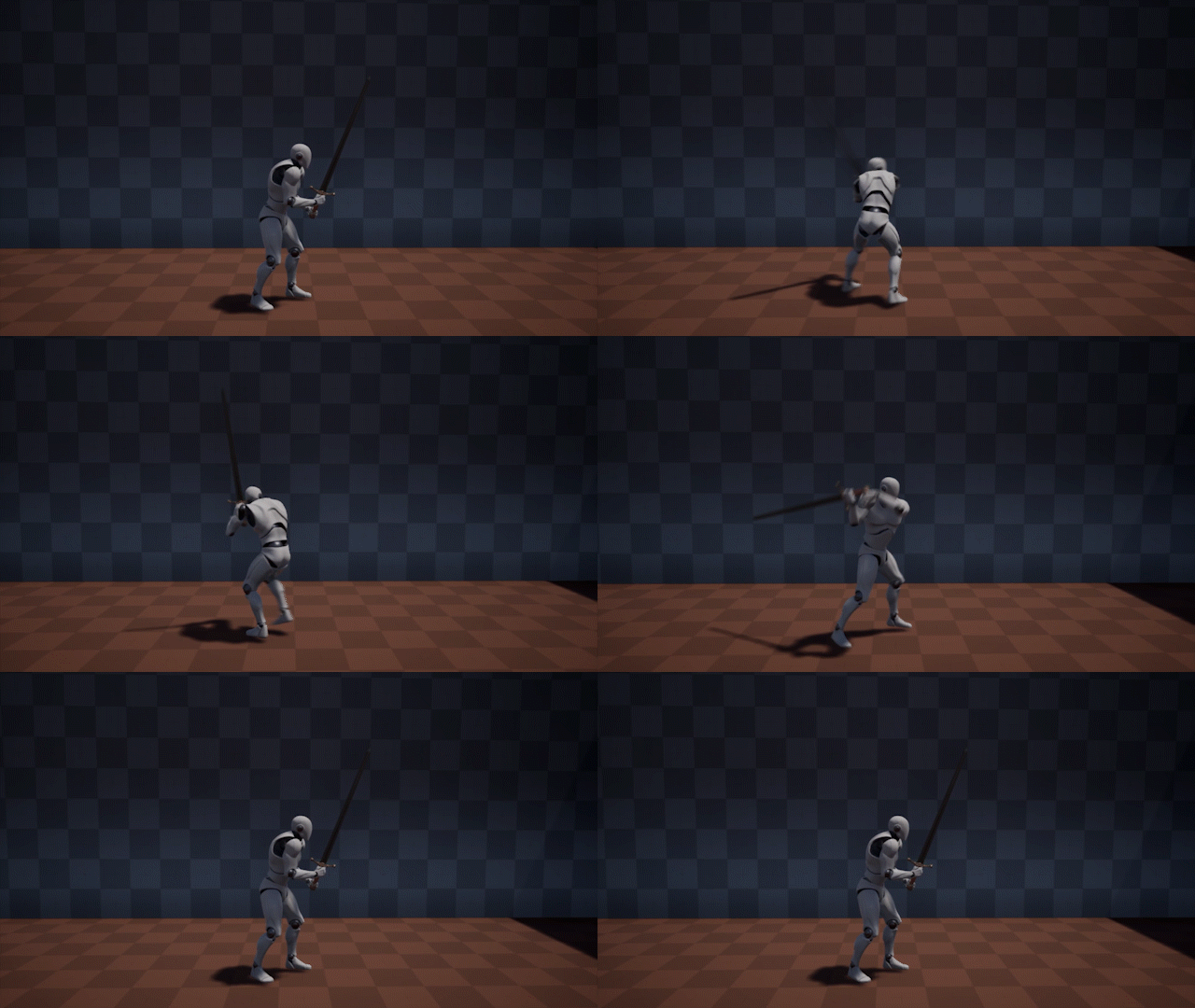
Upon doing some research on how weapon hit detection typically works, I implemented a system where the location of certain points on the sword is tracked and sphere traces are used to detect collisions between two instances of these points in time.
This is better than using overlap detection calls with colliders as this method is more reliable and data about the orientation of the strike can be extracted to be used for effects like directional sparks.
Sword Hit Detection
Attack Combo System
The combo system works by caching the player's attack inputs and then chaining the attack in a combo at certain moments in the attack animations. I used animation notifies to determine when and if attacks should be chained to make a combo.
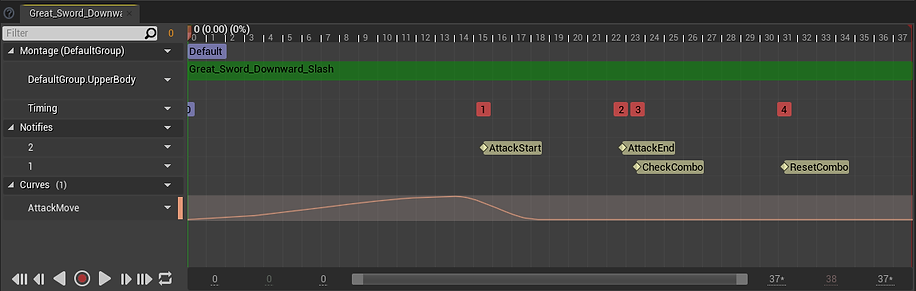
The AttackStart and AttackEnd notifies determine when the sword should register a hit.
On the CheckCombo notify, cached attack input is checked to see if a combo should be performed.
If a combo is not performed, the player can't attack again until the ResetCombo notify.
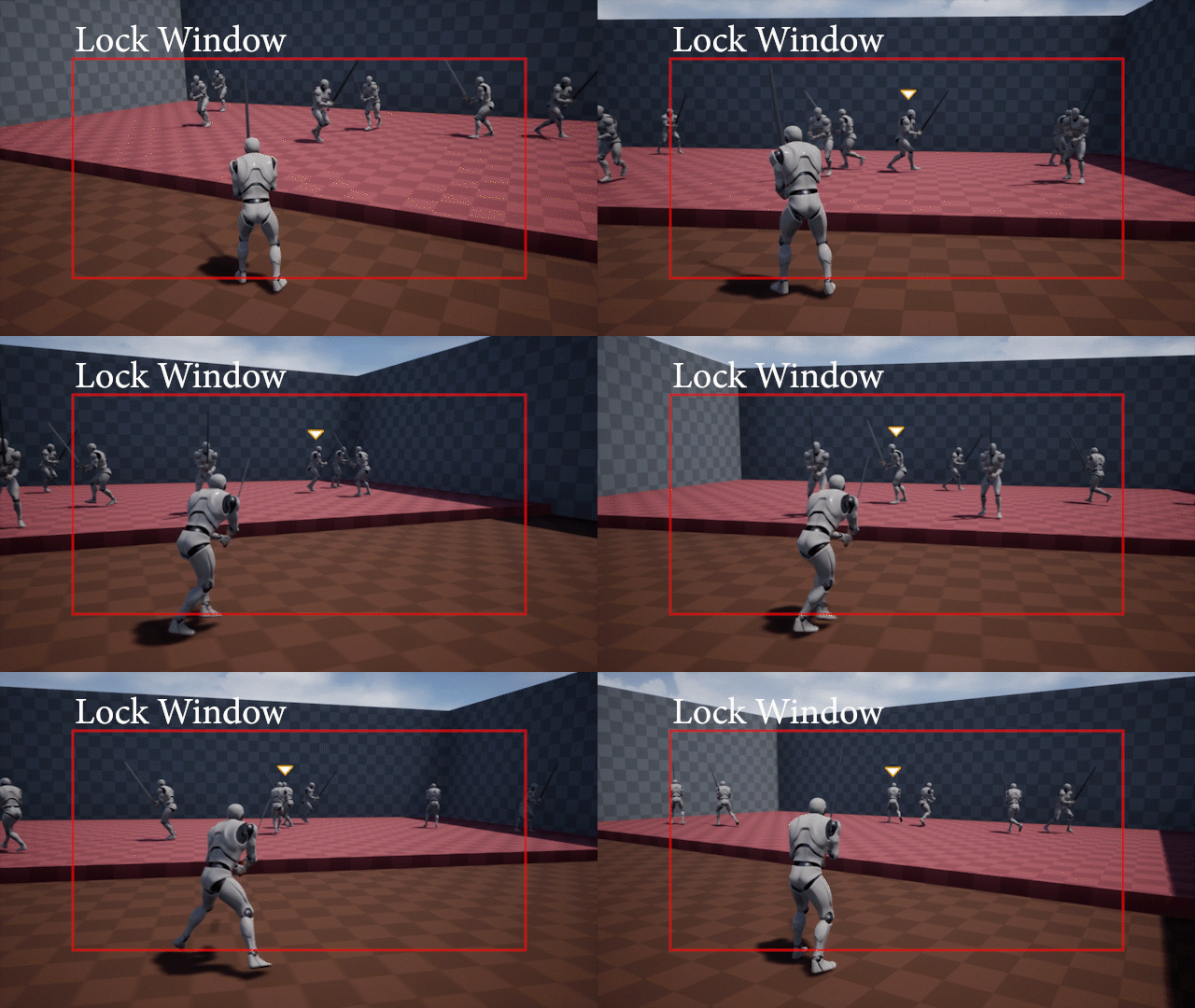
Locking on enemies is an important mechanic of Witcher. Upon locking, the player needs to always move relative to the locked enemy and attack in the direction of the locked enemy.
Upon pressing the lock key, the game determines the enemy to be locked by finding the closest enemy to the player that is contained in a smaller window in the center of the screen. The locked enemy can be switched with horizontal mouse flicks.
As of now, the AI enemy follows the player, stays out of attack range for some time, then rushes ahead and attacks the player. If the enemy loses sight of the player, it keeps wandering around.
Enemy AI

bottom of page