

Rudra is an action combat game inspired by Hindu scriptures. It follows the story of Rudra, a devotee of Lord Shankar who traverses across four eras of time to defeat rakshasas and the main villain, Hiranyashima, to bring peace to the universe.
I've been working on these domains in the game:
-
Combat design - attacks, combos, abilities
-
Technical design - implementing mechanics in blueprints, setting up asset pipelines
-
Enemy behavior design, AI programming
-
Technical animation - Animation blueprints, control rigs
Gameplay:
The game pillars we fixed for this game were Epic, Improvisational, and Satisfying Tactile Feel.
Based on these pillars, we decided to have a combat system that:
-
Punishes button mashing, rewards thoughtful play
-
Rewards on-the-spot thinking
-
Gives ample feedback for each action taken by the player
-
Achieves depth with a limited number of mechanics
As a part of our 'Epic' pillar and to make smooth and sensible transitions between attacks, we designed our weapon to switch or morph between a number of weapons.
The base actions the player can perform are:
-
Light attack
-
Heavy attack
-
Block (shield)
-
Roll (evade)
-
Mantra (magic attack)
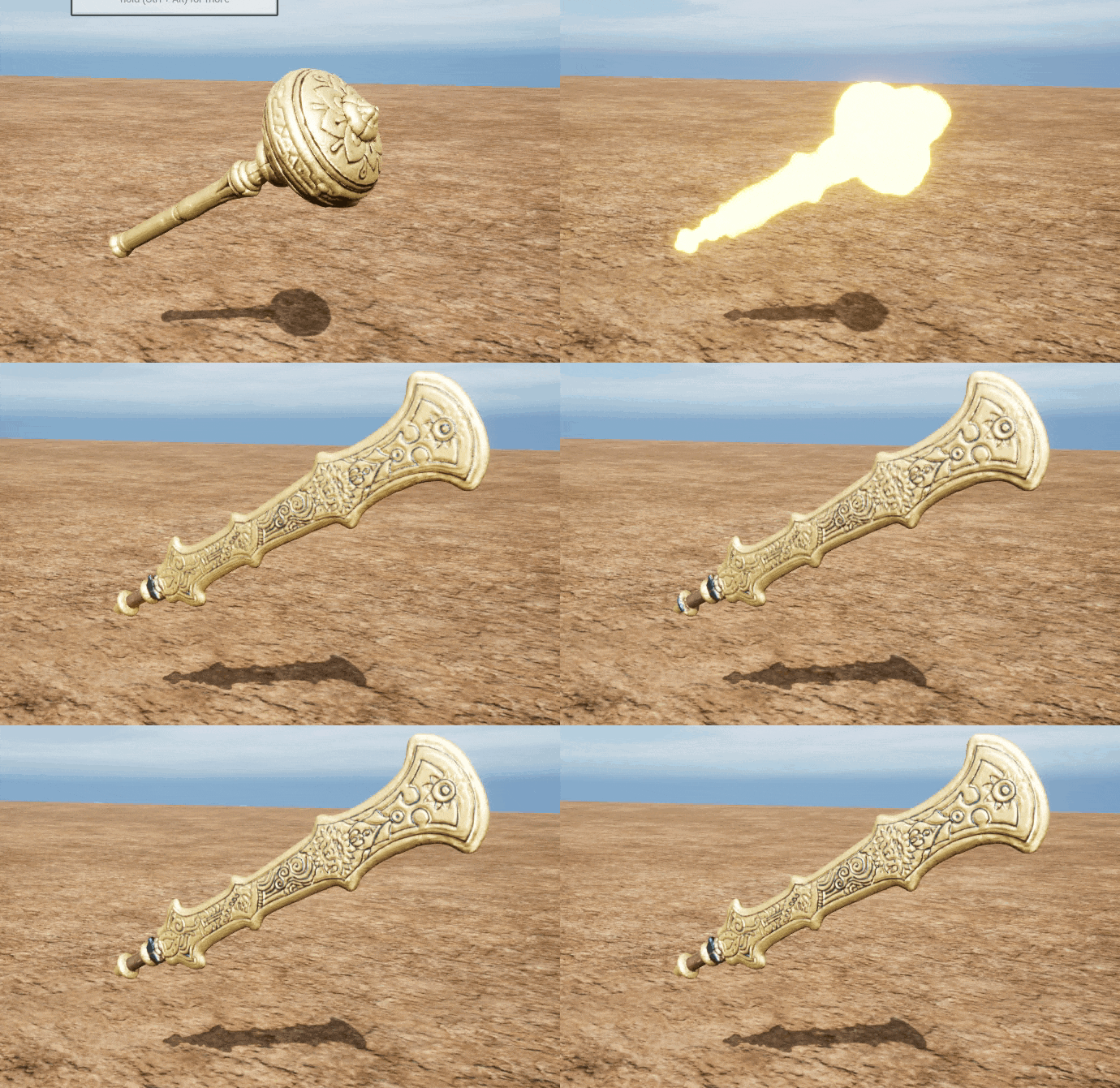
I designed the game's combo system using light and heavy attacks. The attacks are differentiated based on properties like AOE, projectile, damage, speed, knockback.
Mostly, the light attacks are fast and weak: low risk - low reward
Mostly, the heavy attacks are slow and strong: high risk - high reward.
I worked as the director when we were recording these attacks using motion capture tools.

I designed the enemy behaviors such that the player gets ample scope to improvise as well as to plan some approaches when encountering a mob. In the enemy design docs, I've highlighted values that are to be exposed to designers when balancing the enemy's behavior.
I also programmed the behavior of some enemies using behavior trees.
Enemy AI
The behavior of an enemy like the grunt is programmed using a behavior tree and a state machine. I wanted to keep the logic of the behavior tree relatively simple and easy to control without having too much depth. I came up with an implementation where:
-
The behavior tree mainly acts as a switch that implements specific logic based on the current state>
-
The state machine covers all the possible behaviors of the grunt (attacking, reacting, powering up etc.)
-
The behavior tree uses decorators to check states
-
The behavior tree uses services to constantly check if the conditions to change the current enemy state are met
-
The enemy blueprint handles most of the logic related to the actual mechanics and actions of the enemy
-
The enemy controller handles the logic regarding the overall behavior, and other logic the enemy blueprint should not have access to

In order to make the combat feel more natural, I added the functionality for the player character to automatically target the enemy characters nearby based on the camera orientation and the player's movement input. This is not explicitly told to the player, but since the player will end up trying to go close to the enemy they want to hit by default, this feels intuitive.
The process:
-
Calculate the front direction of the control vector. This gives us the required information to find out what the player is viewing at that moment.
-
Rotate the front vector according to the player's directional input. This gives us the direction in which the player is trying to attack.
-
Calculate vectors from the player to all enemies in a certain range
-
Calculate angles from all of those vectors to the player's attack angle vector
-
Select the enemy with the lowest angle to be targeted
-
Make an animation notify that will designate the frame during the attack animation at which the player will start rotating. Also, provide a duration for the rotation.


AN_OrientCharacter takes duration as input and interpolates the player rotation for that time to face the enemy
I've developed the animation blueprints of all the characters in the game, and made a control rig for the main player character. The control rig has significantly improved our workflow of getting animations from motion capture into unreal and polishing them. It is also helping us changing animations in such a way that blending between them looks smooth.

After getting our motion-captured animations into the engine, I had to adjust their pacing in order to make the combat feel smooth and balanced. Apart from setting the play rate in the animation montage asset, I also made an animation curve that would dynamically set the play rate of the current attack montage

Without speed multiplier

With speed multiplier
